Manual Chapter :
Obtain F5 Access for macOS Package
Applies To:
Show Versions

Obtain F5 Access for macOS Package
You can obtain the F5 Access for macOS package using one of the following approaches. The workflow is similar to the Edge Client installation process.
Approach 1: Download from MyF5
The F5 Access for macOS package is available on MyF5 under the
release container. This package can be downloaded directly and deployed to endpoints through MDM or UEM solutions.Clients
Approach 2: Download from BIG-IP
Upload the APM Clients .iso file to the BIG-IP system and install it. For detailed instructions, refer to Upload and install the ISO file to the BIG-IP system.
After installation, you can download the F5 Access package for macOS directly from BIG-IP using the provided steps.
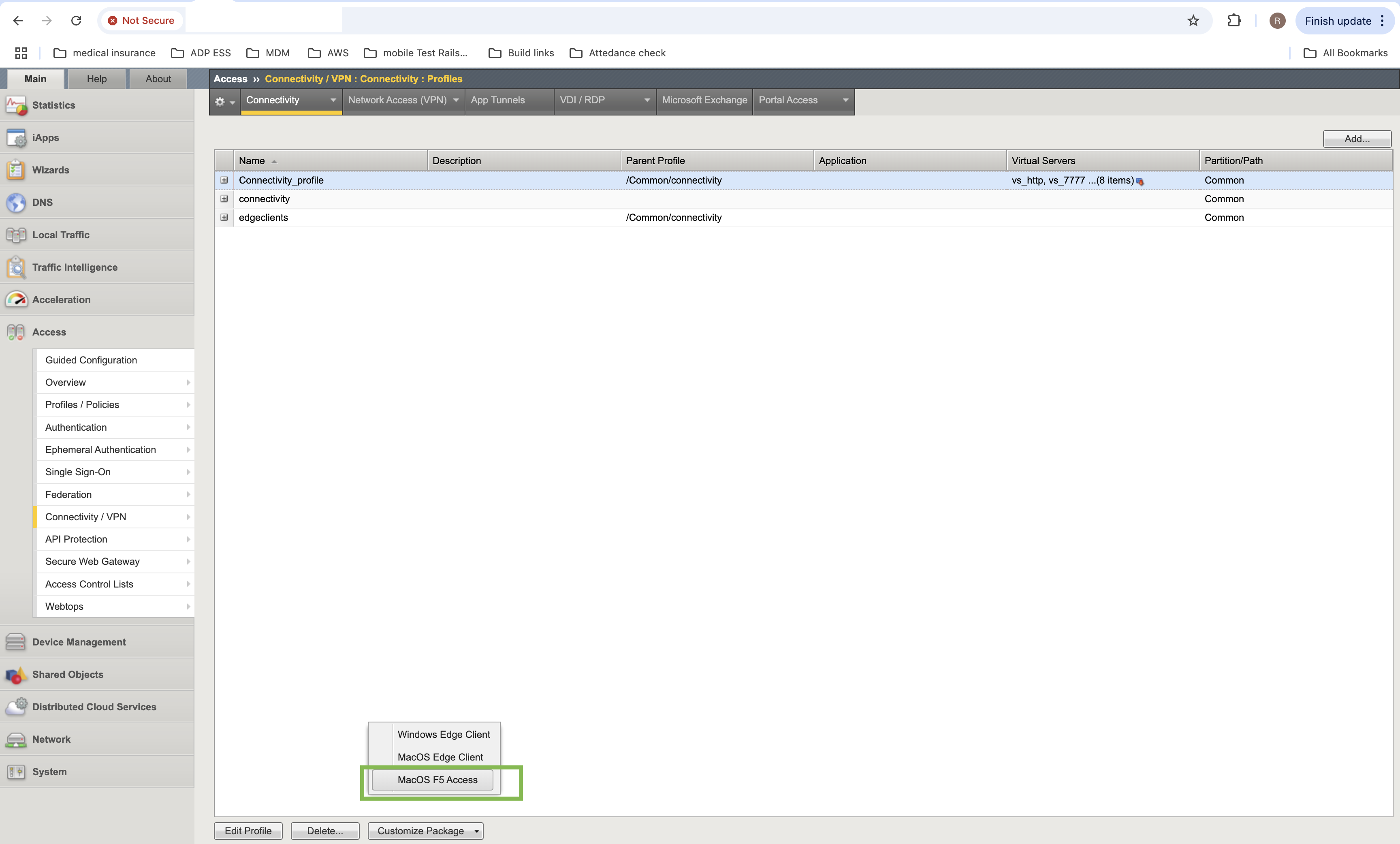
Once the package is downloaded, it can be deployed to endpoints using the MDM or other package deployment tools.