


Updated Date: 05/19/2026
Enrolling and Signing in via Email
To enroll additional factors without scanning QR code, click Okta Verify in the Set up multifactor authentication screen and then click More options to enroll.
-
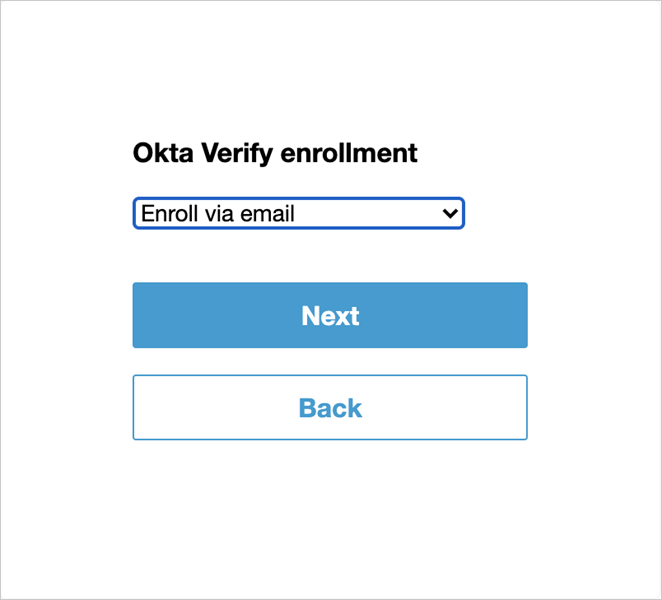
Select Enroll via email from the drop-down list to send an activation link to your registered email at Okta account.
-
Click Next.
-
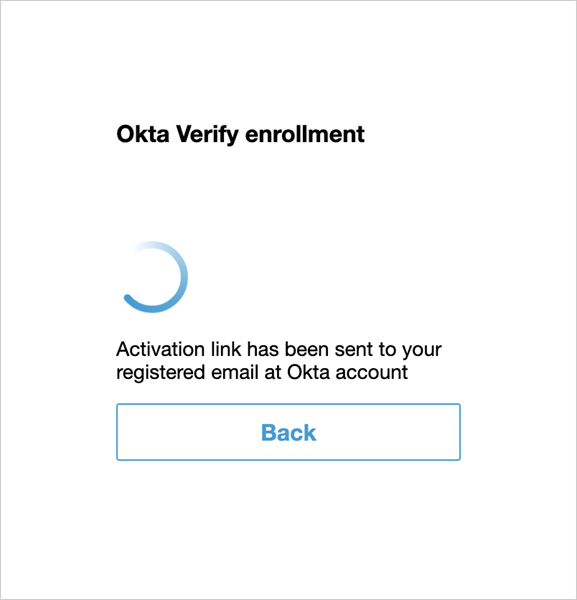
An activation link is sent to your registered email. Tap on the activation link in your email on your mobile device to enroll your device for Okta MFA.
Subsequent logins after device enrollment via email allow you to send a push notification to your email ID.