


Updated Date: 07/07/2026
Connecting to the VPN
When you connect to the VPN, you also establish a login session. To connect to the VPN:
-
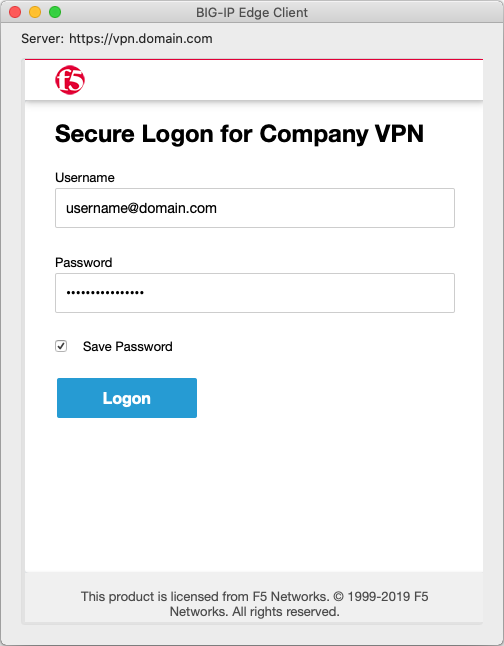
From the status menu, click the Edge Client icon and then click Turn VPN On. You can also establish VPN by clicking on the Edge Client dock icon if it is pinned to the dock. When there is no existing active session, a login screen is displayed.
-
Log in to establish a login session.
You are now logged in and connected to the VPN.