


Updated Date: 06/30/2026
New Features in this Version
The latest webUI enhancement represents a significant refactoring from the previous version, offering a more modern and intuitive user experience. Key improvements include:
- Unified webUI experience: Consistent user experience across all F5 products.
- Refined interface: A polished design that enhances overall aesthetics and usability.
- Improved navigation: Enhanced navigation features that make it easier for users to find and access the tools they need.
- Optimized workflows: Streamlined processes that reduce complexity and improve efficiency.
- Cleaner layout: A simplified layout that promotes clarity and ease of use.
- Enhanced tool clarity: Critical functions are now more accessible and efficiently organized, enabling users to work with greater precision and productivity.
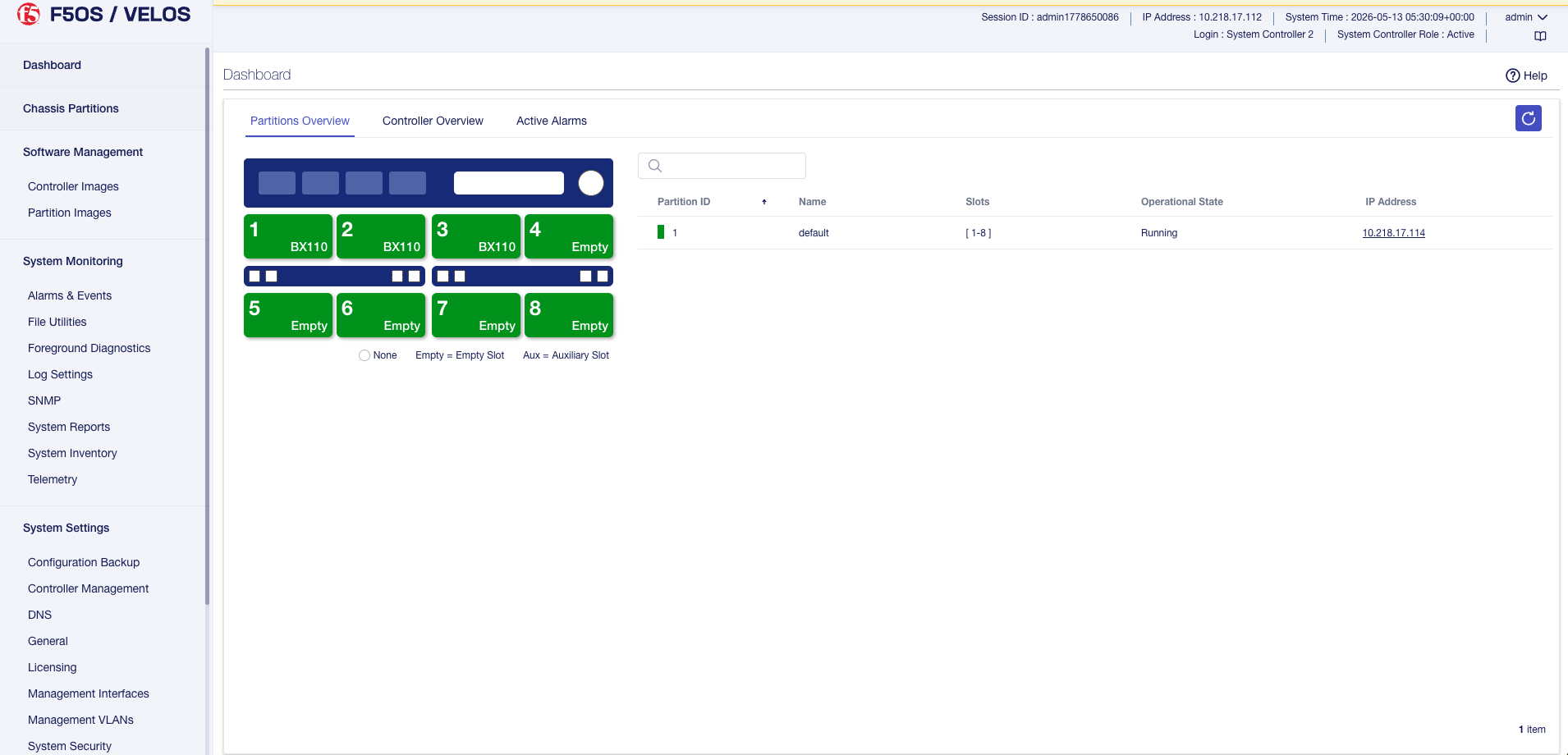
F5OS v2.0 introduces advanced foreground diagnostic features designed to optimize system monitoring, streamline troubleshooting, and enhance overall reliability on VELOS platforms. This feature allows you check the health of hardware components such as CPU, memory, and disk while the system is running, without taking tenants offline. Foreground diagnostics improve fault isolation and help reduce “No Trouble Found” (NTF) outcomes before a Return Merchandise Authorization (RMA) is approved. You can start, stop, and run diagnostic profiles, and view results including run state, pass/fail outcome, and execution duration from the CLI, webUI, or REST API.
F5OS v2.0 supports following security protocols for SNMPv3:
- SHA256, and SHA512 for authentication to ensure data integrity and secure access.
- AES192, and AES256 for encryption to protect communication and ensure data confidentiality.
This release introduces traffic monitoring capabilities on management ports. You can now effectively analyze packets transmitted and received through the management port. This helps in identifying and resolving network issues such as connectivity problems, misconfigurations, or unauthorized access in a more efficient and timely manner.
F5OS v2.0 support static route configuration on the F5OS management network interface. This enhancement enables you to define custom routes to direct management traffic based on destination IPs or networks using the CLI and Rest API.
This feature enables you to create VLANs for management interfaces. You can configure the management VLANs through from both ConfD CLI and webUI. These VLANs effectively segregate management traffic, thereby improving network security and stability. For example, with management VLANs, you can:
- Separate tenants on different VLANs to improve security and maintain clear security zones within the same appliance.
- Manage IP addresses more effectively.
F5OS v2.0 allows you to enable or disable specific TLS versions and SSL ciphers. You can also view a list of all allowed ciphers and TLS versions for your F5OS deployment. This gives you more control over your security settings and helps you meet your organization’s compliance requirements. F5OS v2.0 support for both TLS v1.2 and TLS v1.3 cipher suites and must be configured individually on the management network.
F5OS v2.0 adds support for Bcrypt (Blowfish-based encryption) as an optional method for encrypting stored passwords. This feature is opt-in and requires a configuration change to enable. After you enable Bcrypt encryption, only passwords that are refreshed or changed from that point forward are stored using the new encryption method. Existing passwords remain unchanged until you update them.
You can now check whether a license being installed is a FIPS license before applying it, using the new system licensing check-install CLI command.
When switching between a FIPS license and a non-FIPS license, the system warns that a secure-erase operation will be performed. This operation irreversibly destroys all partitions, deletes all tenants, and triggers a system reboot.
F5OS authentication supports many-to-one mappings between LDAP groups and F5OS roles. You can assign multiple LDAP groups to a single role. This simplifies role management and ensures consistent permissions across user groups.
LDAP authentication now supports OpenLDAP servers that don’t use posixAccount. You can use alternative attributes, such as object class, for authentication. This enhancement ensures broader compatibility across diverse directory schemas.
-
BIG-IP tenants with version v17.1.x, v17.5.x, and v21.x are supported on the F5OS v2.0.
-
For information about supported tenants on F5 VELOS platforms, see the VELOS hardware products section of the F5 hardware/software compatibility matrix.
F5OS v2.0 introduces enhanced cloud-init functionality for tenant creation and BIG-IP instance initialization using user-data. Cloud-init reads the provided configuration data, commonly referred to as user-data, and processes it to apply the necessary system setup.
F5 r5000/r10000/r12000 series and VELOS platforms with v2.0 now supports Q-in-Q VLAN tagging (IEEE 802.1ad), also known as double tagging. Q-in-Q VLAN tagging lets you add a service tag (S-tag) to packets that already have a customer tag (C-tag). This feature is designed for service provider edge roles where you need to isolate customer traffic across a shared backbone network.
You can use subinterfaces to define multiple Q-in-Q tagging rules on a single physical interface. Each subinterface maps a specific C-tag to an S-tag. This lets you handle multiple VLAN mappings on one port without dedicating separate physical interfaces to each, keeping traffic logically isolated while reducing the number of ports you need.
Note: This feature requires the latest field-programmable gate array (FPGA) bitfiles that support double tag handling.
- F5 VELOS: CX410 chassis with BX110 blade.
- Enhanced logging for critical services: F5OS v2.0 release improves system logging for critical services. After you upgrade, you may notice more detailed entries in your extended error logs. To see the updated entries, you must reload the affected services in your infrastructure.
- You can view information about the cluster and firmware install status under the Controller Management section.
- You can use the new CLI command to display system software install data, which includes the OS version, service version, cluster, and firmware install version.
- Support for many-to-one LDAP group-to-role mappings has been implemented. This enables multiple LDAP groups to be assigned to a single F5OS role, ensuring that users belonging to any configured group are granted the corresponding role upon login.
- F5OS v2.0 VELOS platforms enables configurable display modes for the LCD UI. The LCD UI operates in Standard mode by default. You can also configure two Secure and Disabled modes to meet your security and operational requirements